Home / Fix guides / Wi-Fi not working while the internet is fine
published 2026-05-12 · updated 2026-05-15
problem guide · verified against published resources
Wi-Fi not working while the internet is fine
If the router shows a green internet light but your phone will not join, the fault is local: band steering, a full DHCP lease table, a crowded channel or a device stuck on a saved password from before a change. All of these are fixable in ten minutes without a ticket.
Free WhatsApp checksnapshot of 2026-09-12 20:27 UTC5 real search variants covered
Written from verified help content checked 2026-09-12 20:27 UTC · no signup, no paywall
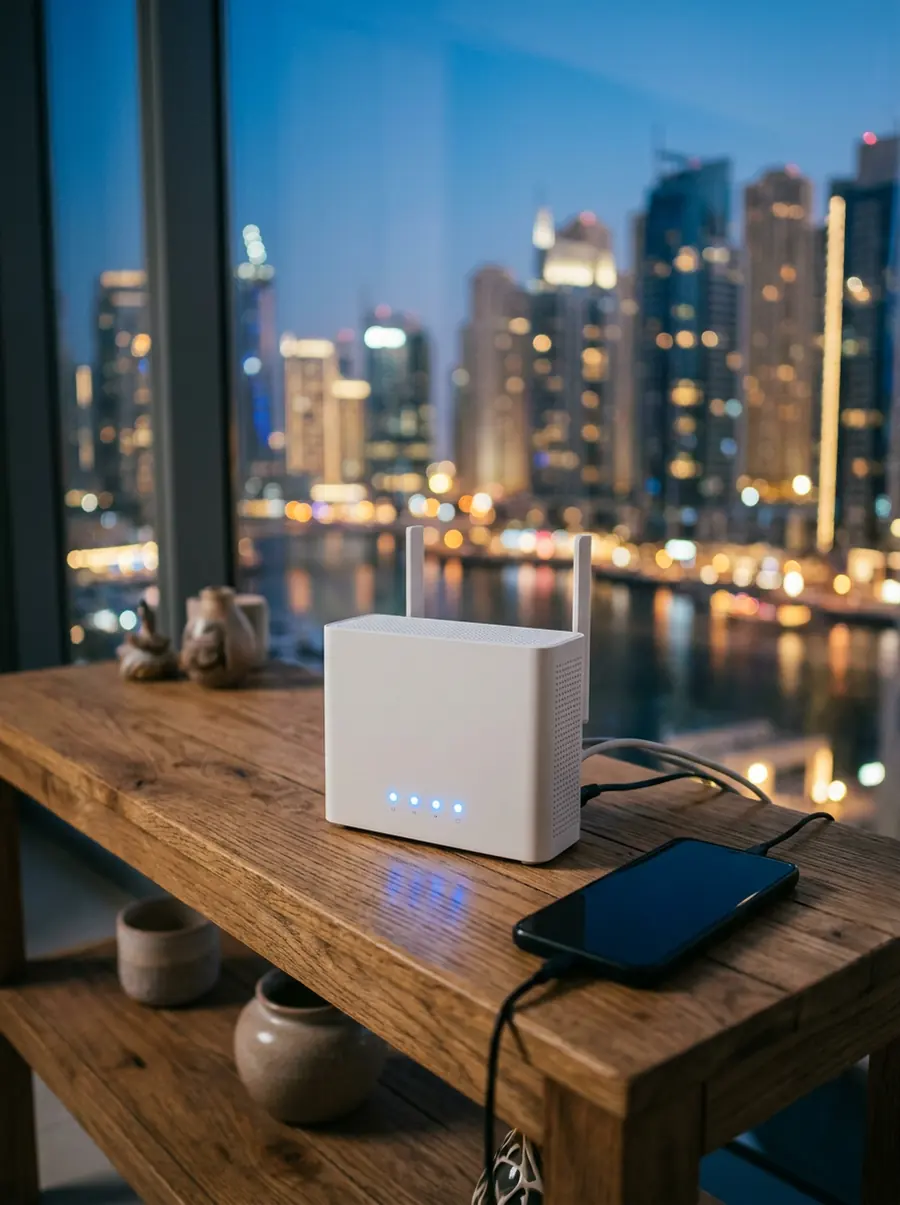
Do this, in order
- Forget the network on the affected device, then re-enter the password on the sticker (case-sensitive, no trailing space).
- Reboot the router - the DHCP pool is the usual culprit when a device says "obtaining IP address" forever.
- Move the router out of the cabinet/metal box; vertical position, one metre up, away from the TV.
- If only 5 GHz fails, lock the SSIDs apart in the router settings so older laptops can use 2.4 GHz.
- Change the channel (1/6/11 on 2.4, DFS-free on 5) if neighbours are on the same one.
Other ways people search this
5 phrasings from the verified search data UAE database, 170 searches/month combined - all handled by the same checklist.
Questions on this topic - all answered
- wifi net590/mo
- du wifi not working110/mo
- wifi internet plans30/mo
- best wifi internet provider30/mo
- Can someone else receive the SIM on my behalf1 sources
- I now have an Internet connection at home. Does that mean I can connect to my ISP’s network1 sources
Not yours? Ask your own - free
Related guides
Plans that fix this
| Plan | From | Speed | Contract | Included | |
|---|---|---|---|---|---|
| du Home Wireless Plus | AED 159 /mo | 5G up to 500 Mbps | 12 months | Unlimited national data | Get my price |
| du Home Advanced (Fibre) | Quote per address | up to 1 Gbps | 24 months | Unlimited fibre + TV tier | Get my price |